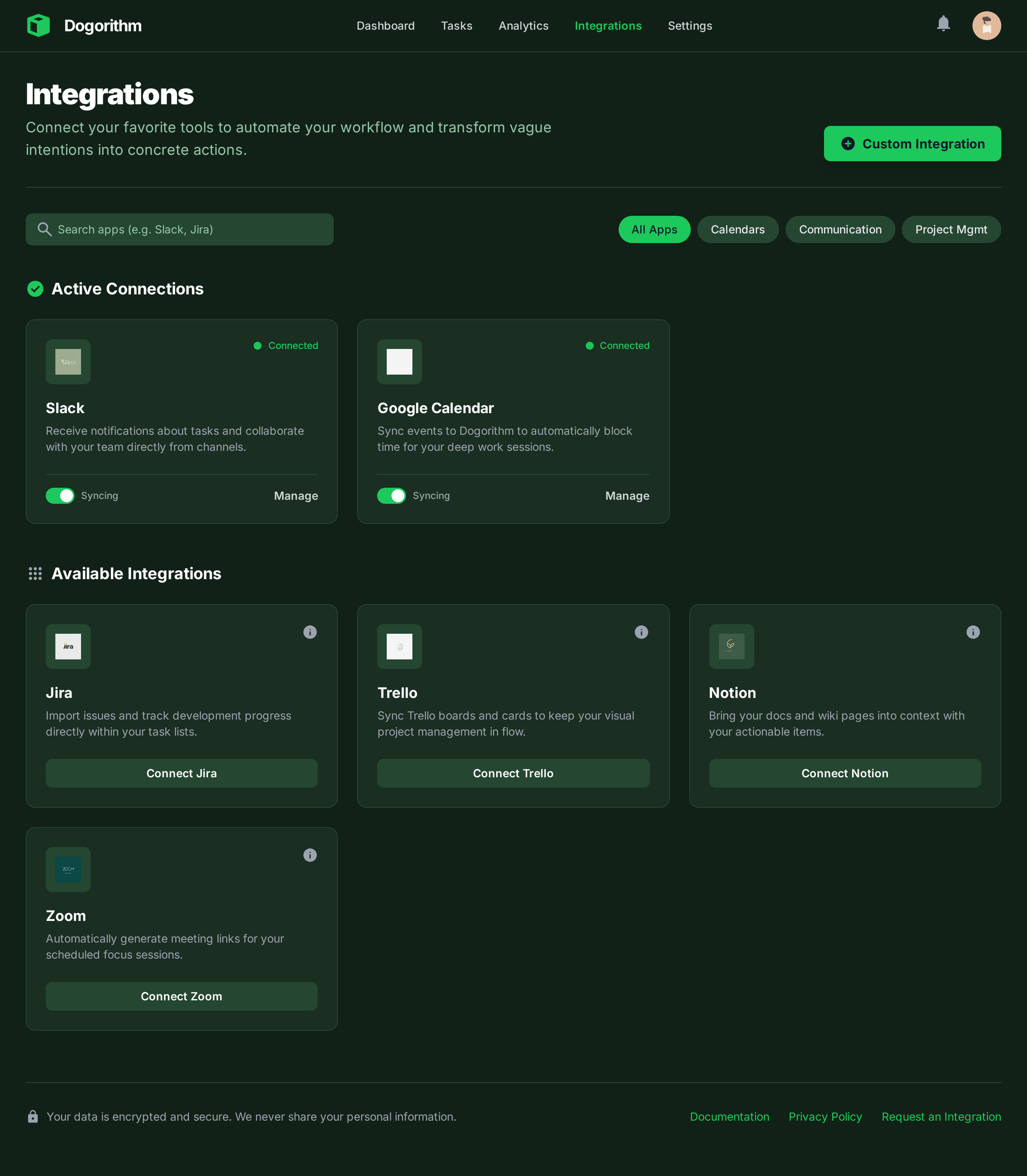
Integrations Setup Guide
Location: Settings Page -> Integrations Tab
Supercharge Dogorithm by connecting it to your existing tool stack.
📅 Outlook Calendar
- What it does: Two-way sync between your tasks and your calendar.
- Setup:
- Click "Connect Outlook".
- Sign in with your Microsoft account.
- Any card with a Due Date will now appear as an event in your Outlook Calendar.
🦊 GitLab
- What it does: Bridges the gap between code and project management.
- Setup: Authenticate with your GitLab account.
- Features:
- Import Issues: Pull GitLab issues directly onto your board as cards.
- Link Cards: Attach a card to a specific GitLab Issue or Merge Request. The card status will update automatically when the MR is merged.
🔷 Linear
- What it does: Syncs with Linear for engineering-heavy teams.
- Setup: Connect your Linear workspace via OAuth.
- Features: View Linear issue details (status, assignee, priority) directly inside Dogorithm cards without leaving the app.
📋 Trello Import
- What it does: Migrates your data from Trello to Dogorithm.
- How to use:
- Export your Trello board as JSON.
- Go to Settings -> Integrations -> Trello Import.
- Upload the JSON file.
- Dogorithm will recreate your Lists, Cards, Labels, and Checklists automatically.
🧩 Jira Import
- What it does: Moves a Jira project into a new Dogorithm board, with its statuses, tasks, checklists, labels, comments and assignees.
- How to use:
- In Jira, open Filters, search for the project's issues, then choose Export → Export Excel CSV (all fields).
- Go to Settings → Integrations → Jira.
- Choose where the board goes: your personal boards, or a workspace. In a workspace, Jira assignees are matched to its members by name.
- Upload the CSV file. The new board opens when the import finishes.
- How Jira maps to Dogorithm:
- Each status becomes a column, in workflow order. Every finished status (Done, Closed, Won't Do and so on) goes into one Done column, and the task counts as completed on its resolved date.
- Priority sets impact: Highest 9, High 7, Medium 5, Low 3, Lowest 1 (Blocker 10, Critical 9).
- Sub-tasks become checklist items on their parent task.
- Labels stay labels. Epics become epics with their issues grouped under them (and an Epic: … label on each). Sprints become Sprint: … labels; plan them as cycles afterwards.
- Due dates, original estimates and comments come along. Comments show the date they were posted in Jira.
- Anything without a Dogorithm field (the Jira key, issue type, story points, components, fix versions, reporter, custom fields, or an assignee who isn't in the workspace) is listed under From Jira at the end of the task's description.
- Limits: up to 5,000 issues and 10 MB per file. Split a bigger project into several filters and import each one. Rows without a summary are skipped and counted in the message after the import.
💬 Team chat: Slack, Microsoft Teams and Discord
A workspace can post its news to up to three chat channels. On the workspace page, owners and admins choose Chat → Add a channel, pick the app, and paste the channel's incoming webhook URL:
- Slack: add the Incoming Webhooks app to the channel and copy its URL (
https://hooks.slack.com/services/…). - Microsoft Teams: in the channel, open ⋯ → Workflows → Post to a channel when a webhook request is received, and copy the URL it gives you.
- Discord: channel settings → Integrations → Webhooks → New Webhook → Copy Webhook URL.
Then choose what it hears about: a task is finished, a task moves to Blocked, a task is added, a cycle starts or closes, a standup is starting (invite-only calls are never posted). Automations with Post to the workspace chat always post. Send a test checks the channel straight away, and a failed delivery shows its reason under the channel. The webhook URL is never shown again after you save it.
This is separate from the personal Slack and Discord integrations below, which post your own activity.
🔗 Webhooks
- Webhooks (Pro): Register endpoint URLs in Settings to receive events as they happen. Every delivery is signed with an
X-Dogorithm-Signatureheader so you can verify it came from Dogorithm. - The free plan includes 1 connected integration; Pro removes the cap. Connections you already have always keep syncing.